English, Turkish, Arabic, German, French, Spanish, Portuguese, and Finnish.
A Windows teleprompter that stays out of your way
Read clearly. Control the pace. Keep your eyes where they belong.
Flow puts local voice tracking, remote text sending, script editing, and optional Groq tools in one Windows desktop app.
Why Flow?
Free, flexible, and built for Windows.
A lot of Windows teleprompters only give you basic scrolling or put useful controls behind paid plans. Flow gives you voice tracking, remote messaging, editing, theme controls, and window tools in one app.
Voice tracking
Use local Vosk models, clean up microphone input, and let the script follow your voice instead of relying on manual scrolling.
Full control
Fonts, themes, text size, mirror modes, transparency, window position, and shortcuts are all built in.
Built-in remote messaging
Send text into a live session with a UUID, password protection, a sender page, and QR access without needing another app.
AI help when you need it
Groq tools are optional. Add your own key when you want help drafting or rewriting, and leave it off when you do not.
The tools you actually need are included
No paywall for themes, no separate editor, no missing voice tools, and no cut-down free plan.
Open source
Windows overlay controls
Local voice tracking
Remote messaging
How to use
Choose a language and look through the main parts of the app.
These screenshots are taken from Flow itself. The text below explains what you can do in the main view, editor, AI panel, and settings.
Live teleprompter
Choose the playback mode that fits the shot.
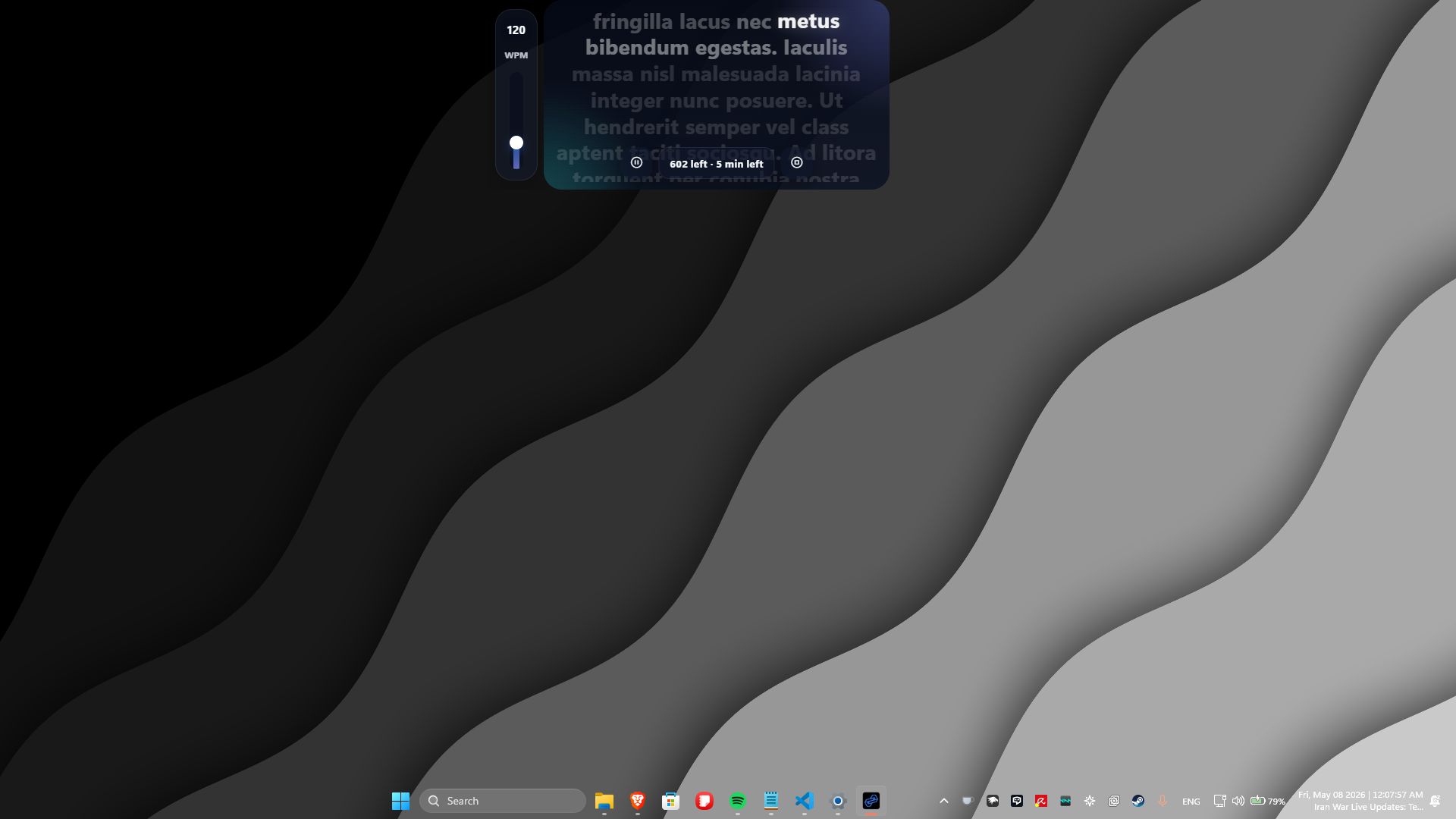
The main screen is built for recording. You can switch playback modes, adjust speed while reading, and keep the script clear on screen.
Download now
Install Flow for Windows, support the project if you want, or get the source from GitHub.

Flow
Teleprompter for Windows
Free teleprompter software for Windows with voice tracking, remote messaging, script editing, and optional AI tools.
v2.0.0
GPL-3.0-or-later
Open source
Windows

Flow is an open-source project. By purchasing the Microsoft Store version, you are directly supporting the independent developer and ensuring the continued growth of this tool.
The Microsoft Store release is the Pro version. The GitHub build stays free and open source.
FAQ
Answers for the questions that usually come up before someone installs Flow.
Yes. Flow is open-source and the main teleprompter workflow is not locked behind a paid subscription tier.
No. Features released for free in Flow stay free forever. The core offline teleprompter and its tools will never require a paid license. If cloud relay traffic grows significantly down the line, fair-use rate limits might apply to prevent server abuse, but existing local features will not be locked behind a paywall.
The Community edition is a complete, fully capable teleprompter for everyday recording. Flow Pro is expanding into a dedicated presentation and teaching environment with multi-display tools, advanced controls, and workflow integrations. Purchasing Pro directly backs independent development and gives you access to those specialized features as they release.
Yes. Voice tracking is built around local Vosk models, and the settings surface exposes microphone choice, cleanup, and model download controls.
Flow puts playback modes, remote messaging, detailed settings, built-in editing, and optional AI tools in one Windows app instead of splitting them across separate paid tools.
No. Groq is optional. You can use Flow fully as a teleprompter, text editor, and remote tool without adding any API key.
Yes. The privacy and system section includes screen-capture visibility, tray behavior, performance mode, and sleep prevention controls.
Flow is built and maintained by a solo developer focusing on Windows-native performance. Expanding to macOS and Linux requires dedicated hardware, testing setups, and platform-specific maintenance that aren't practical right now. Once the Windows core reaches maturity, cross-platform builds will be evaluated for the roadmap.
Yes. I have allocated licenses and time for creator partnerships and community giveaways leading up to v3. If you run a channel, podcast, educational group, or community and want to collaborate, email contact@flowremote.app with your ideas and audience details.